
How can we help you?
Here in our Help Center you will find all general answers to questions about billing, admin panel, product and much more.
Administration / Admin Panel
/System settings
/Erhöhung der maximalen Dateigröße
Increasing the maximum file size
You can increase the maximum file size yourself in the admin panel.
To do this, click on the "Dashboard" menu on the left in the admin panel, then on the "Posting" sub-item.
Here you can adjust the maximum file size according to your wishes.
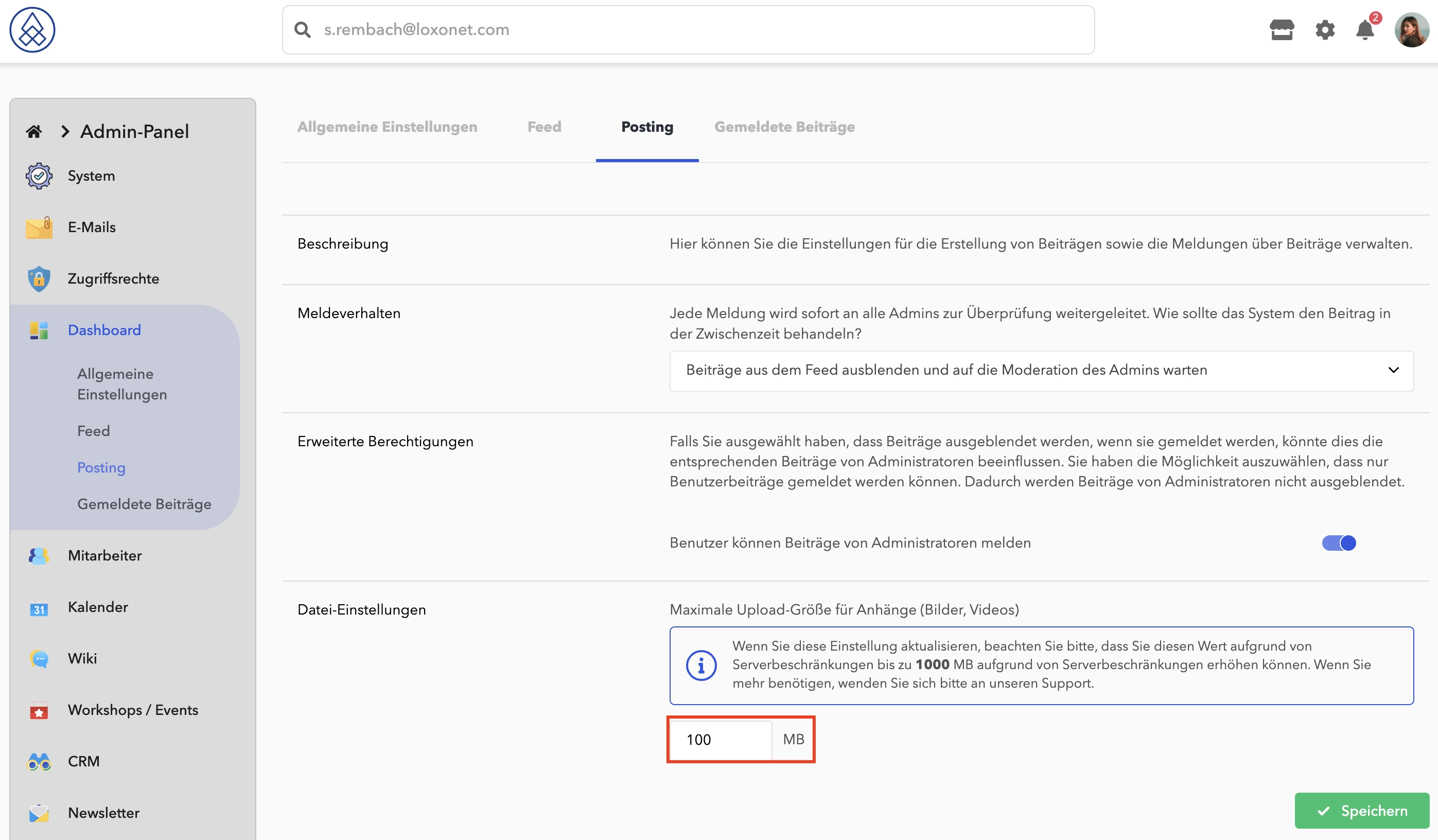
You can use exactly the same logic to increase the size of uploaded files not only on the dashboard, but also in other functions.